Hard Drive Space Calculator
How much disk a show’s content will actually take, by codec, resolution and running time.
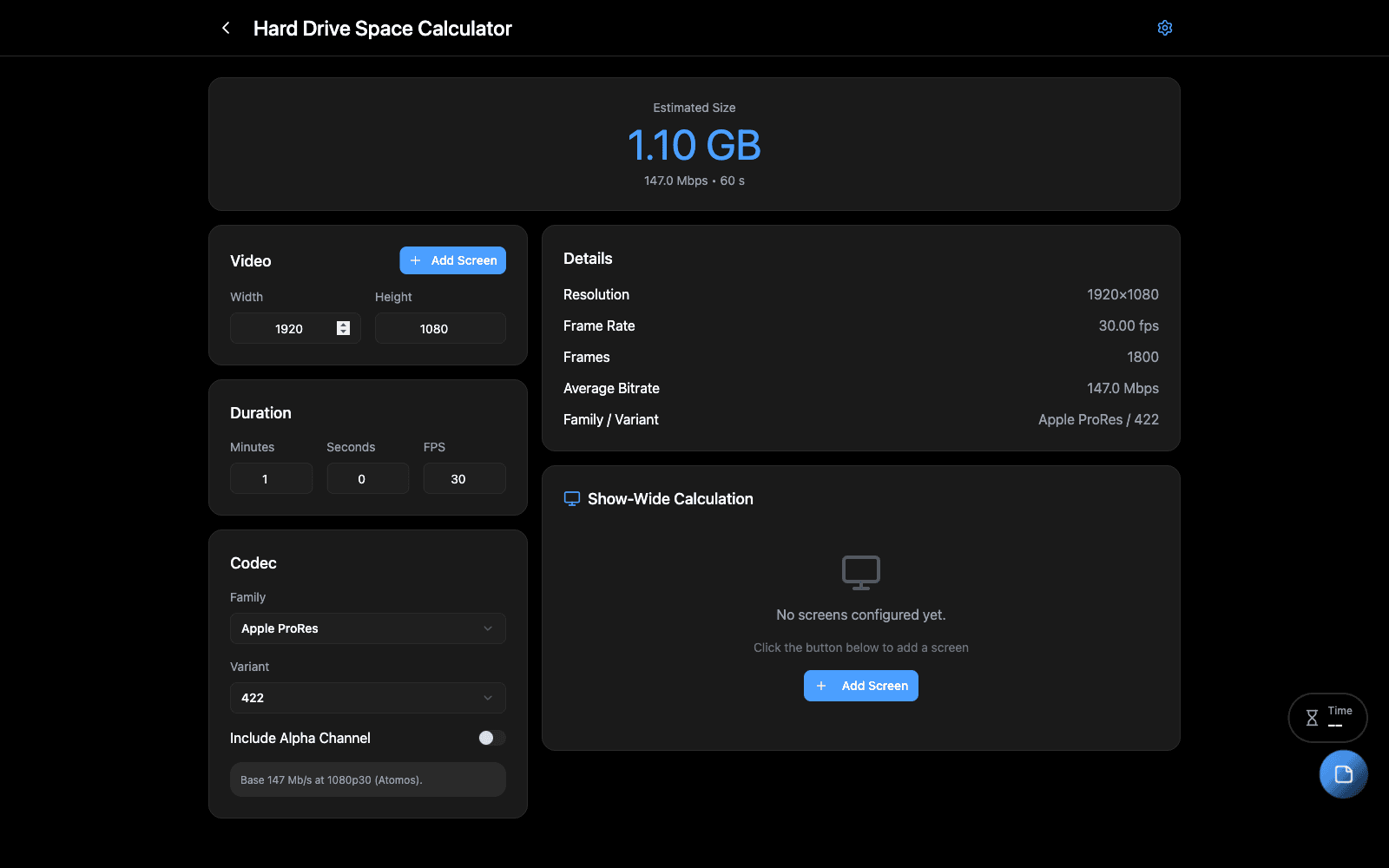
Overview
“How big a drive do we need?” is a question with an answer, and the answer depends on codec family and variant, resolution, frame rate, duration, whether there is an alpha channel, and how busy the content is. Guessing high wastes money; guessing low loses a show.
Add the screens you are playing to, pick the codec, and it works out the size.
When to Use
- Speccing drives or a server before content arrives
- Deciding between ProRes variants when the budget is fixed
- Checking whether a day’s shoot will fit on the media you have
Step-by-Step
- Add a screen for each surface you are playing to, with its resolution and frame rate.
- Choose the codec — family first, then variant, since the variant is what moves the number most.
- Set the duration in minutes.
- Tick alpha if the content carries a key. It is not free.
- Set content complexity — a mostly-black lower third and a full-frame particle wash do not compress alike.
Tips & Shortcuts
Variant matters more than family. The gap between ProRes 422 and 4444 is larger than most people expect, and larger still with alpha.
Complexity is an estimate, not a measurement. For a firm number, encode thirty seconds of the real content and multiply.
Add every screen. A show is the sum of its surfaces; sizing for the biggest one and hoping is how a drive fills on site.
Related Tools
- Video Slicer — the surfaces themselves
- Media Transcoder — producing the files this sizes
Source
Component: HardDriveCalculator