Stage info & crew
TODO: one-line description of what Stage info & crew does.
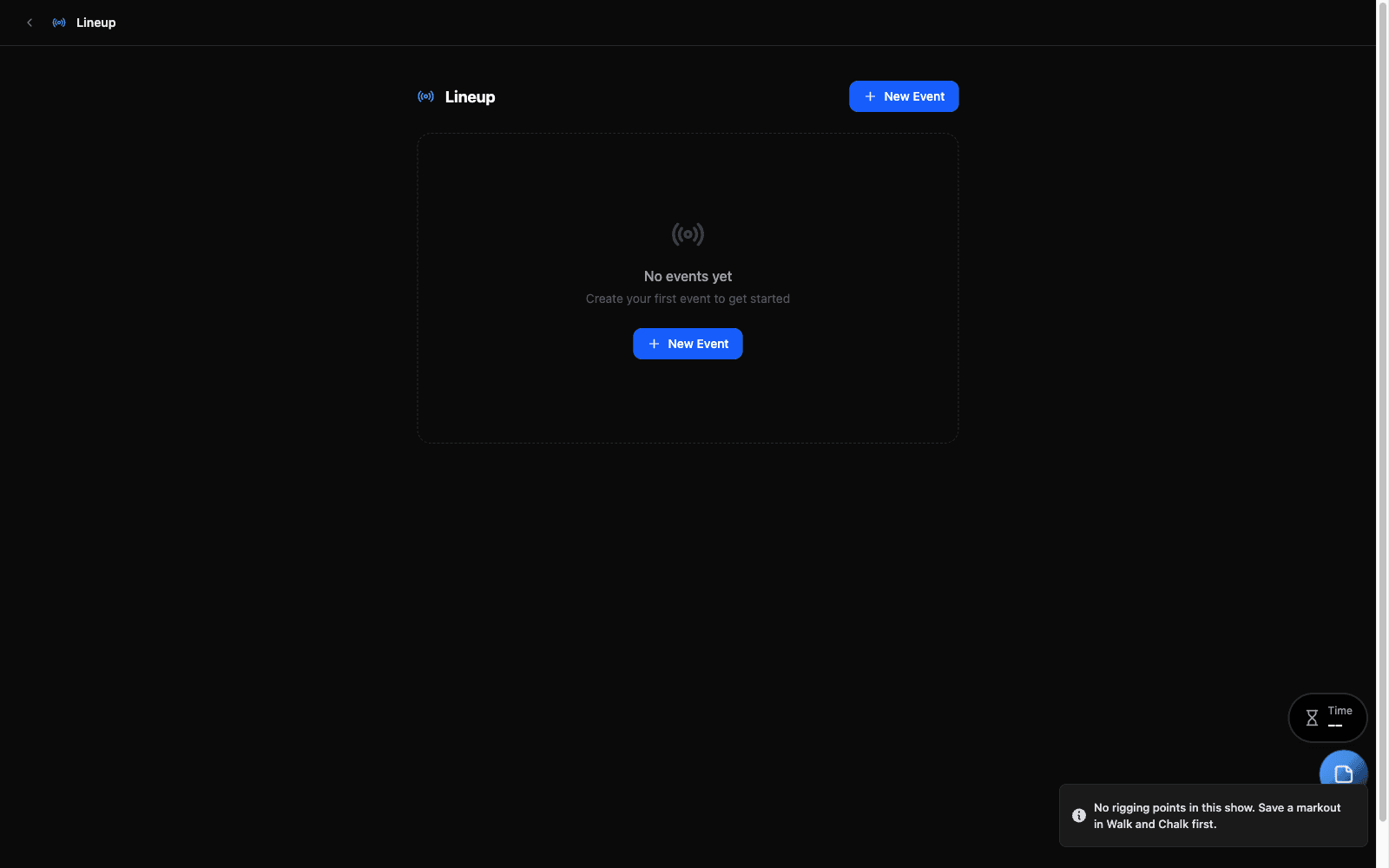
A lineup belongs to its show
Events are kept with the show that is open. Switching show switches lineup, the same way a markout or a set of cable runs does — and the Run of Show report reads the lineup of the show you are in.
This was not always so. Lineups used to be shared by every show on the machine, so a run of show could list another production’s stages entirely. If you have events from before that changed, the picker offers them to the show that is open: it names them, and you can move them into this show or discard them. Discarding does not touch any other show.
Overview
TODO: What this tool is for. What problem does it solve? Who uses it?
When to Use
TODO: Triggers/scenarios where this tool is the right choice. What other tools might compete and why this one wins for these cases.
Step-by-Step
TODO: Primary happy-path workflow. Number the steps. Reference screenshots where helpful.
Common Workflows
TODO: Frequent patterns — repeat tasks, common combinations, integrations with other tools.
Tips & Shortcuts
TODO: Keyboard shortcuts, hidden features, power-user moves.
Troubleshooting
TODO: Known issues, common confusions, error messages and what they mean.
Related Tools
TODO: Cross-link to tools used together.
Source
Component: Lineup